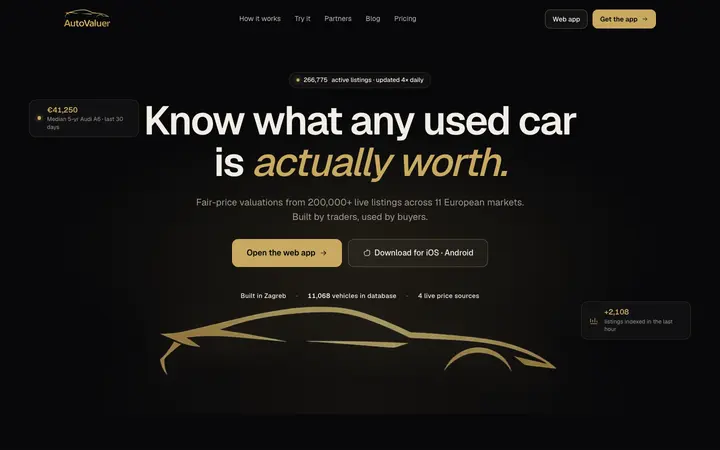
Your business online, run from the AI assistant you already use.
Your website with bookings and forms, your blog, your social posts. One place, hosted by us on your own domain. Ask your assistant, or edit it yourself in the admin.
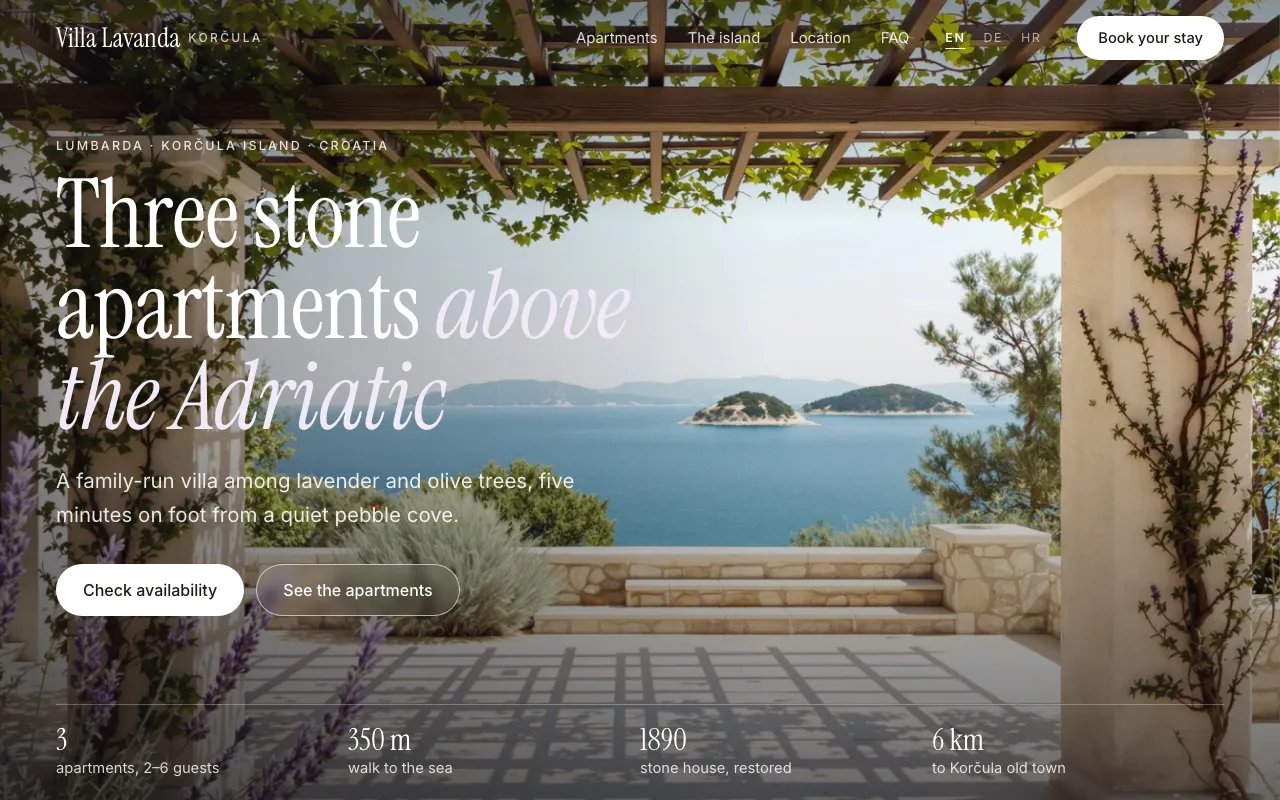
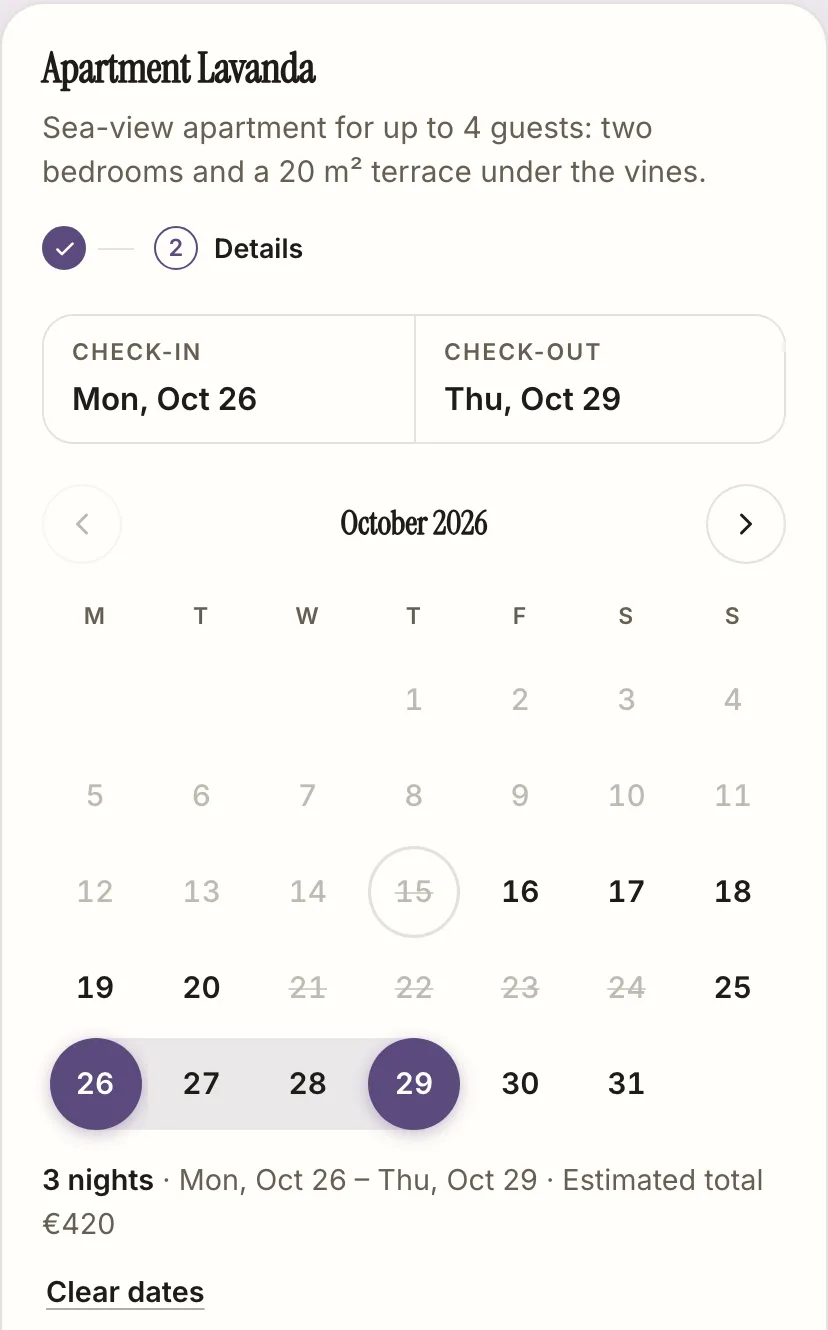
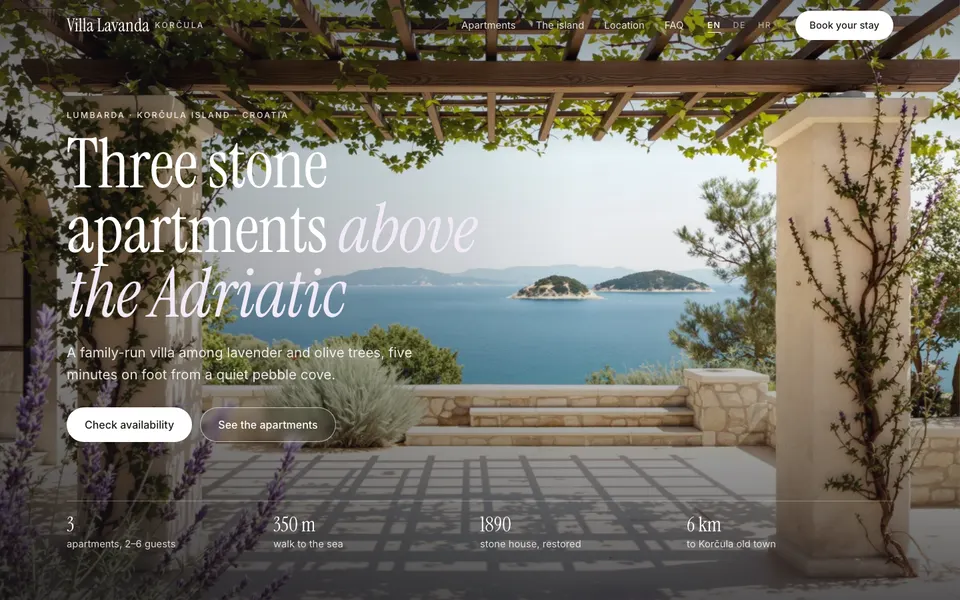
Real screenshots: Villa Lavanda (a demo business) on Neural Draft, with its live booking widget.
Live on Neural Draft
Real businesses, running on it today.
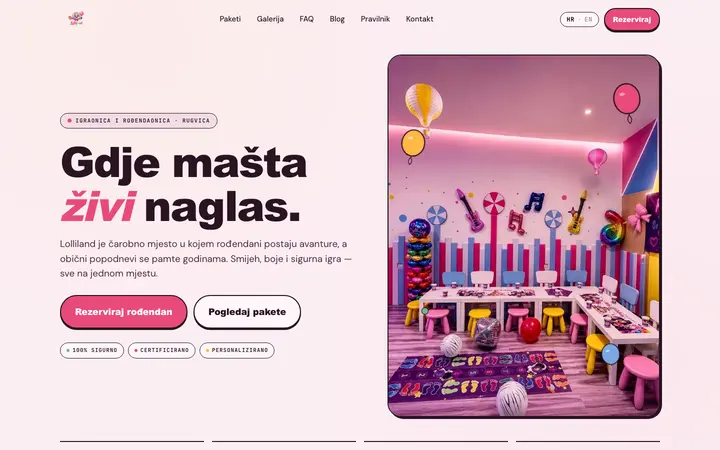
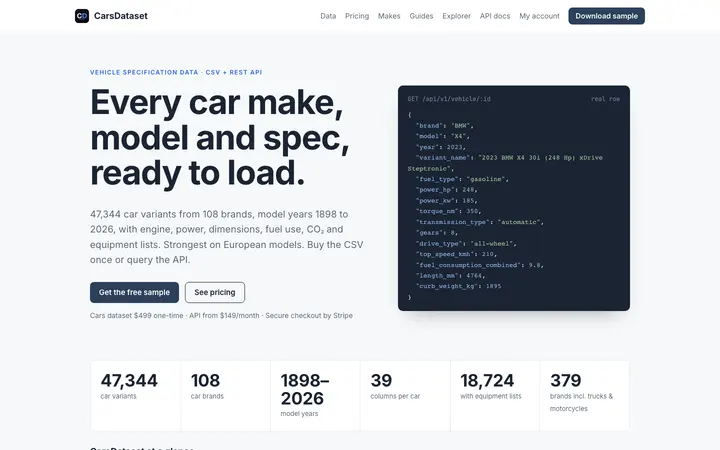
Some host the whole site with us; others use Neural Draft for their content, blog, bookings or forms behind a site they built themselves. Each card says which.
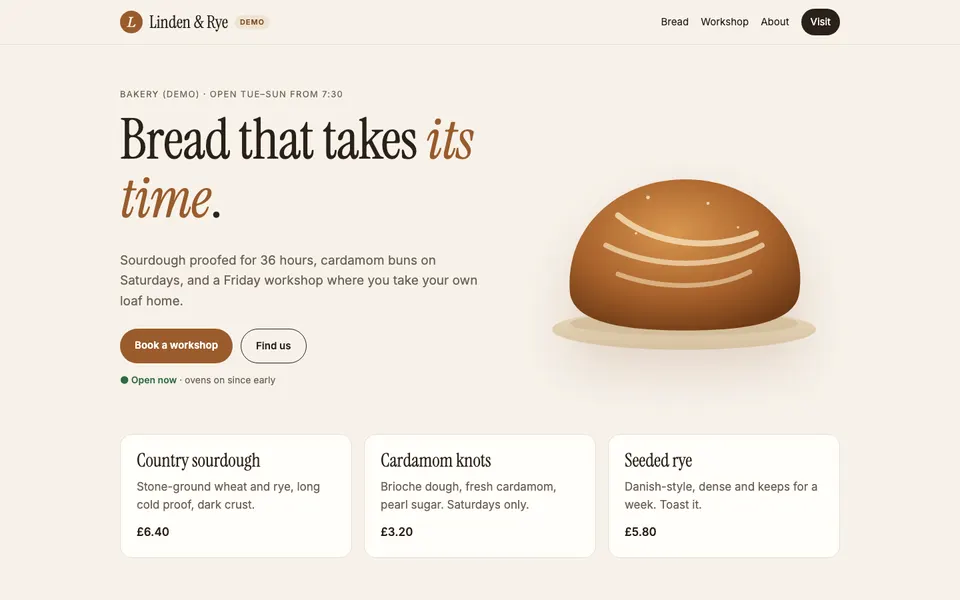
A real recording on Linden Bakery, a demo business: next week's posts saved as drafts, order LB-1329 marked ready for pickup, Saturday hours changed. Waiting time cut, played at about 2× speed.
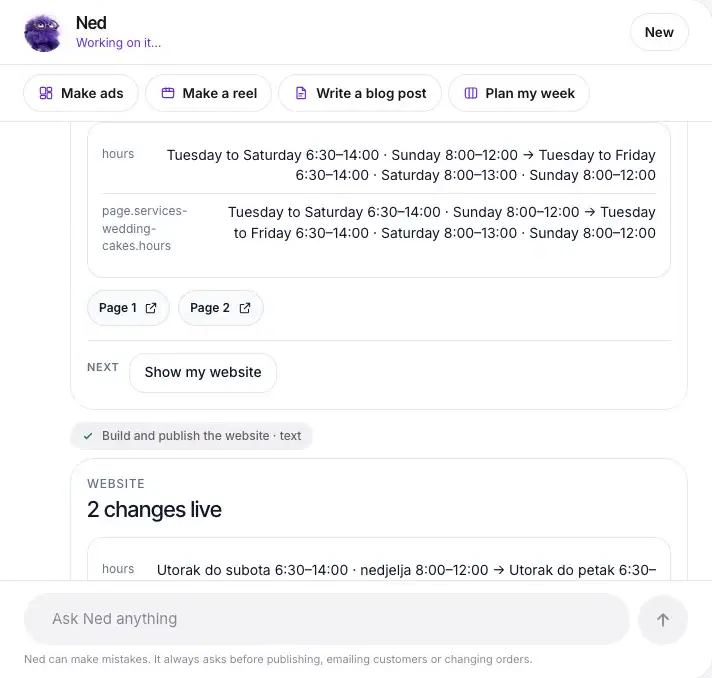
In the chat, step by step
Ask in plain words. See it live.
Real screenshots from Claude and the live sites. Villa Lavanda is a demo business.
Your website, just by chatting
Paused
1·Ask to see your site2·Ask for a change3·Live in all 3 languages4·Guests see it
Ads and a week of posts
Paused
1·Ask for 2 ads2·Pick where they go3·Schedule the week4·See your calendar
Made with Neural Draft
Real sites, with bookings, run from a chat.
These are demo businesses we run to show the product. Every site is live and hosted on Neural Draft; open one and try the booking.
Villa Lavanda
DemoHoliday apartments
Three holiday apartments on Korčula: a site in English, German and Croatian with stay bookings. Photos on this demo are illustrative.
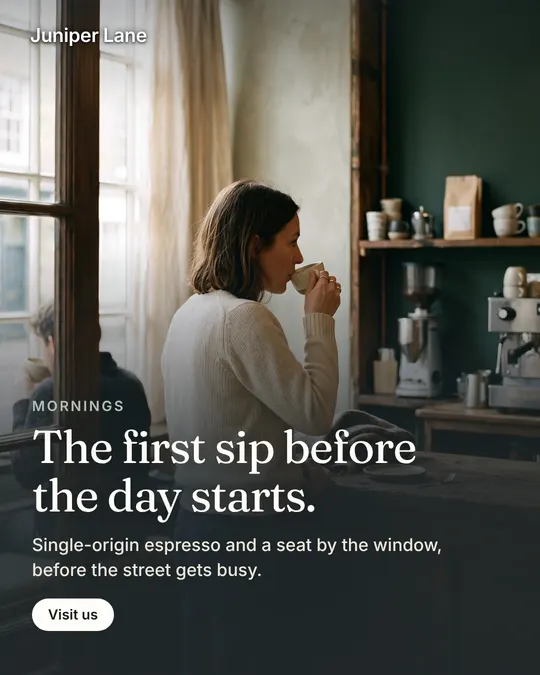
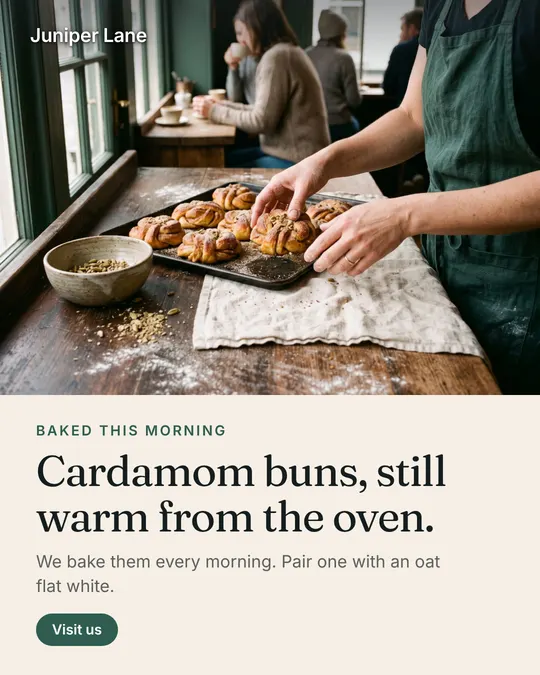
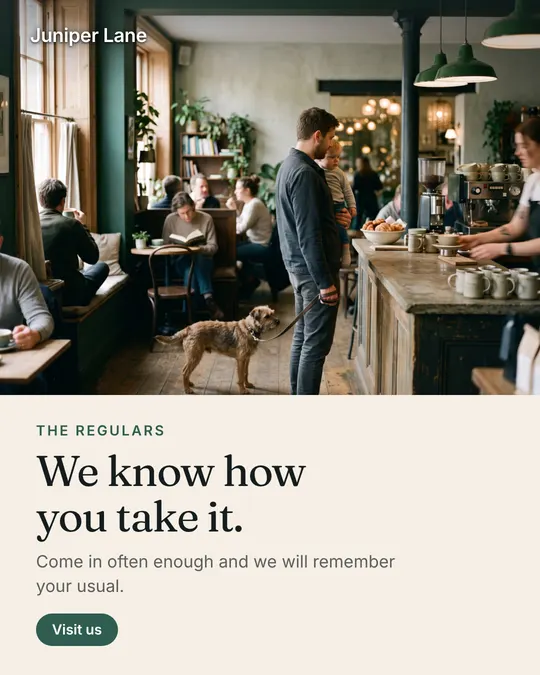
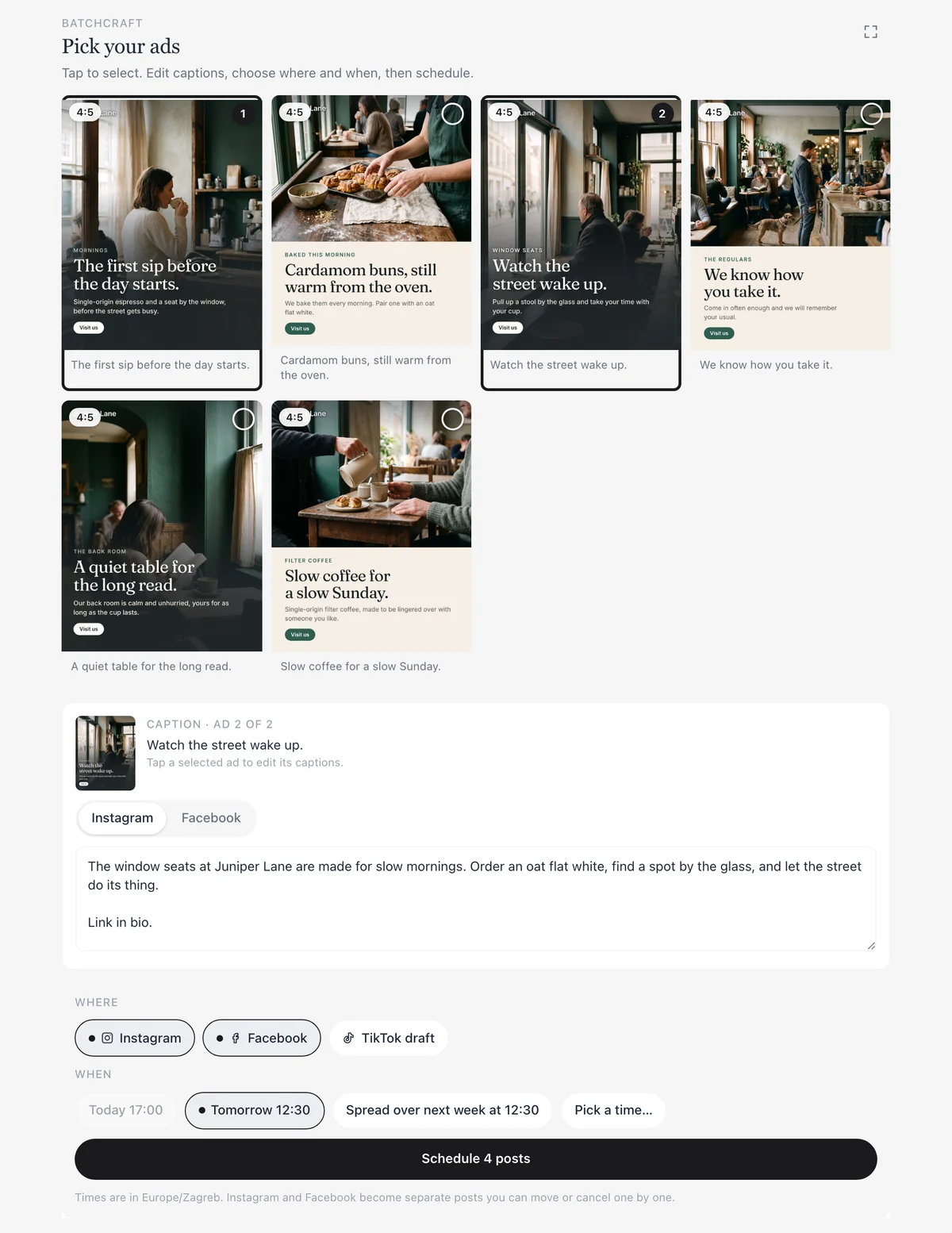
Crafted from the brand kit read off the site: its colours, fonts and voice. Each static ad comes in 1:1, 4:5 and 9:16; nothing is posted until you pick it.
One workspace for everything. Ask your AI assistant, or edit it yourself in the admin.
Website
Your assistant designs your site and we host it on yourname.neuraldraft.io or your own domain. Built one yourself? Deploy it in one step. Three ways
Live in your assistant
Blog and SEO
SEO articles in your brand voice, published on your blog in the languages your customers read. Share each post to Facebook with a tracked link.
Live in your assistant
Bookings and forms
Let customers book a time, send an enquiry or join your newsletter. Everything lands in your admin, and you get an email for each one.
Live in your assistant
Shop
Sell products with a basket and orders; you and your customer get an email for each. Take cards through Stripe, or skip Stripe and arrange payment yourself, like on pickup or by bank transfer.
Live in your assistant
Socials and ads
Plan a week of posts in one message. Facebook and Instagram go out on time; TikTok arrives as drafts. Finished static ads and reels in your brand come with every plan.
Ads and reels by Batchcraft, includedLive in your assistant
Also included: photo galleries, a newsletter list, lead capture, and an admin where you can edit every page, post and booking yourself. App founders: Batchcraft’s App Capture opens your web app with a demo login and records real screens for your ads.
On your phone
Get new form messages and approve posts on your phone. The Neural Draft app for iPhone and Android.
Try one part, no sign-up
See what we’d make for your business.
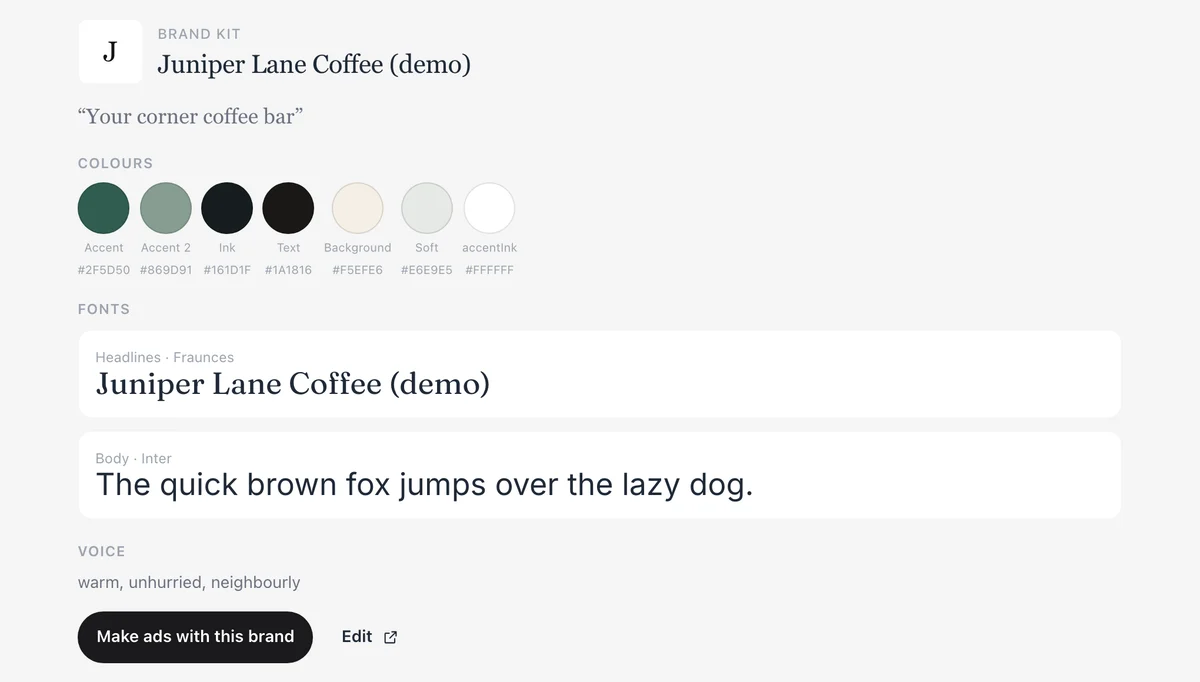
Paste your website. First we read your brand kit: logo, colours, fonts and voice. Then Batchcraft crafts 3 preview ads from it. The same brand kit drives your site, blog and posts once you sign up.
Your brand kit and preview ads
1. Reading your website
2. Your brand kit
3. Crafting 3 ads
Brand kit
Reading your site…
Ad 1
Ad 2
Ad 3
Previews carry a watermark. Sign up to keep them, get every size (1:1, 4:5, 9:16) and make more.
Keep these. Add Neural Draft to your AI assistant.
Sign up free in Claude, ChatGPT and Codex and this brand kit and these ads are waiting in your workspace. Then ask for a week of posts, a website or a blog.
Free plan, no card. Sign-up on the web works without Claude or ChatGPT; you can add an assistant later.
Your website
Three ways to get online.
Have your assistant design the site, deploy one you built yourself, or keep your site and add a blog that matches it.
A
No website yet?
Ask your AI assistant. We host it.
Tell Claude, ChatGPT and Codex about your business. It designs the pages in your brand, and Neural Draft hosts them with bookings, forms, a blog and a newsletter. No code, nothing to install.
1
Add Neural Draft to your assistant
One link in Claude, ChatGPT and Codex. Sign in with Google or an emailed code; your free workspace is ready.
2
Ask for your site
Pages, booking, contact form and blog go live on yourname.neuraldraft.io. Ask for changes the same way.
3
Make it yours
Edit texts and images in the admin, roll back any page, and connect your own domain on Solo or Studio.
Try asking
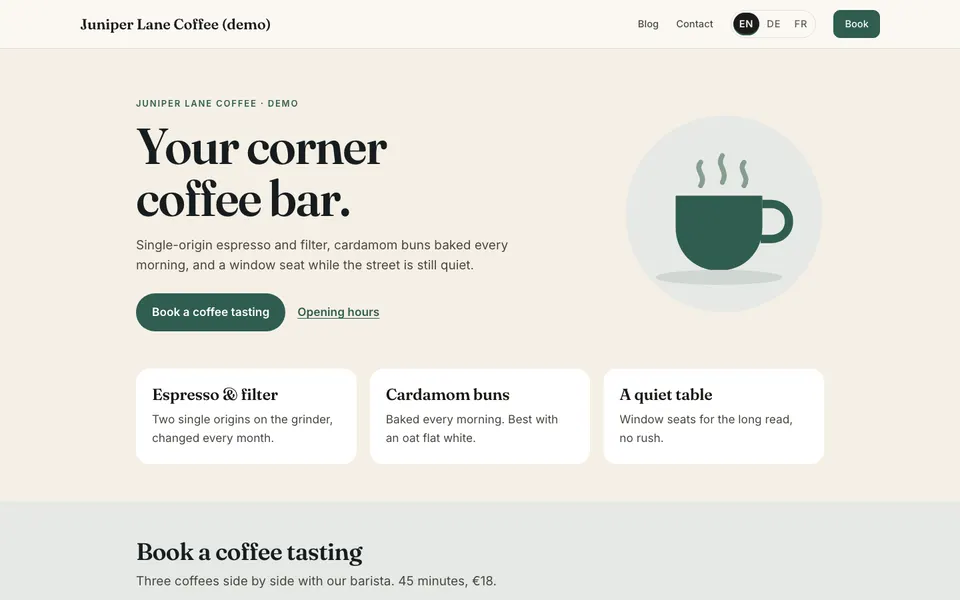
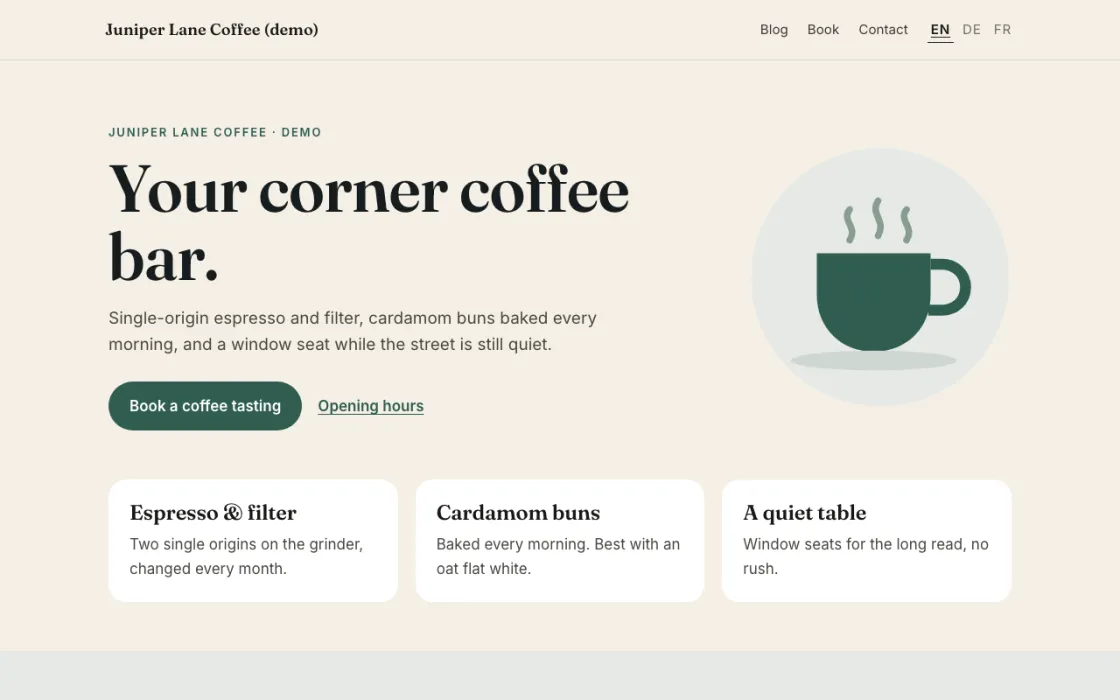
“Make a website for Juniper Lane Coffee: a home page, our menu, a page to book a coffee tasting and a contact form. Use the colours and fonts from our logo.”
Designed in chat, hosted by Neural Draft.
See it live
B
Built it yourself?
Deploy it to Neural Draft in one step.
You built a site or app with Claude Code, Codex, Cursor, Lovable, Bolt or by hand. Your coding assistant sends the build to Neural Draft with deploy_site, and it’s live. Then add bookings, forms, a blog feed and a newsletter with drop-in components.
1
Connect your coding assistant
One command for Claude Code, Codex, Cursor or VS Code. Lovable or Bolt project? Download it and open it in one of those.
2
Deploy your build
Your assistant sends the dist/ folder (or a zip of it) with deploy_site. It asks you to confirm, then the site is live on yourname.neuraldraft.io.
3
Add features, keep control
Drop in nd.js components for bookings, forms and the blog. Every deploy is a version you can roll back, and your own domain works on Solo or Studio.
Try asking
“Run the build, then deploy the dist folder to Neural Draft with deploy_site. Put an <nd-form> contact form on /contact and our booking widget on /book.”
Served by your site at /_nd/nd.js. Bookings, form messages and subscribers land in your Neural Draft admin.
C
Already have a site?
Get a blog on blog.yourdomain.com that matches it.
Keep your website where it is. Your assistant reads its logo, colours, fonts and menu, and Neural Draft hosts a blog that looks like the rest of your site.
1
Share your website address
Your assistant builds a matching blog theme and shows it next to your homepage.
2
Write and publish
Posts in your brand voice, in the languages your customers read, shared to Facebook with a tracked link.
3
Point blog.yourdomain.com at it
Add the DNS record your assistant gives you. HTTPS is automatic (Solo or Studio).
Try asking
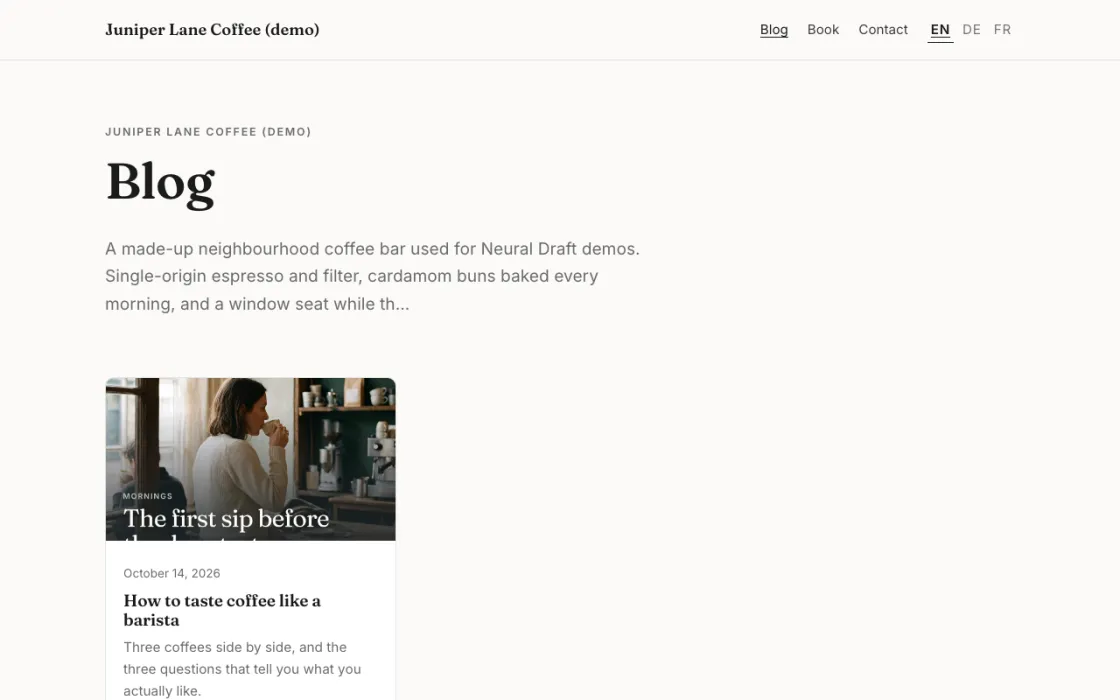
“I already have a website at example.com. Set up a blog on blog.example.com that looks like it, in English and German.”
A hosted blog styled like the site around it.
See it live
Every path is hosted on yourname.neuraldraft.io with HTTPS, on every plan. Your own domain and no “Built with Neural Draft” badge come with Solo and Studio.
How it works
Three steps, then just ask.
1
Add Neural Draft to your assistant
Paste https://neuraldraft.io/mcp into Claude, ChatGPT and Codex: in Claude it’s a custom connector, in ChatGPT a custom MCP server, in Codex one command. Step-by-step for each app is on the setup page.
2
Sign in with Google
Type your business name and your free workspace is created on the spot. The same sign-in covers Batchcraft.
3
Ask for what you need
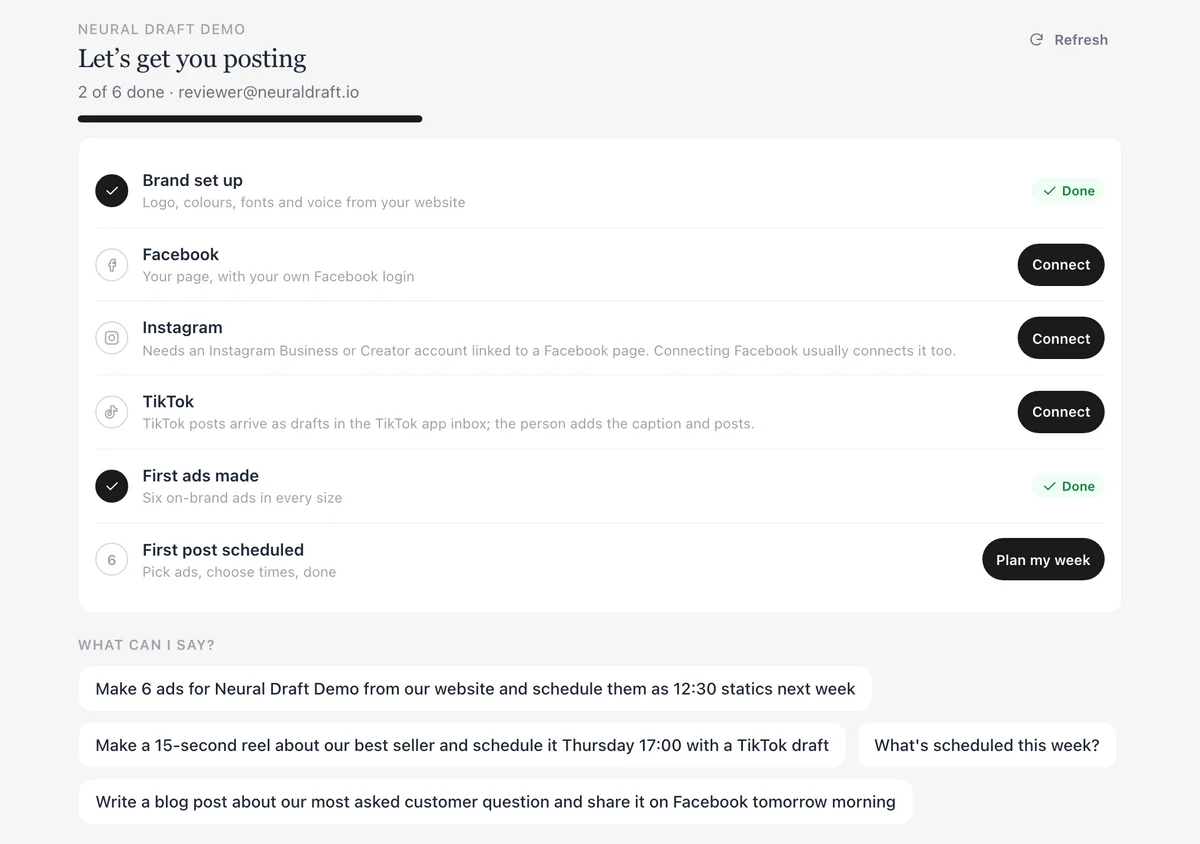
“Make 6 ads and schedule the ones I pick for next week.” Cards appear in the chat: tap the ads you want, pick times, done. Connect Facebook, Instagram and TikTok with your own login when asked.
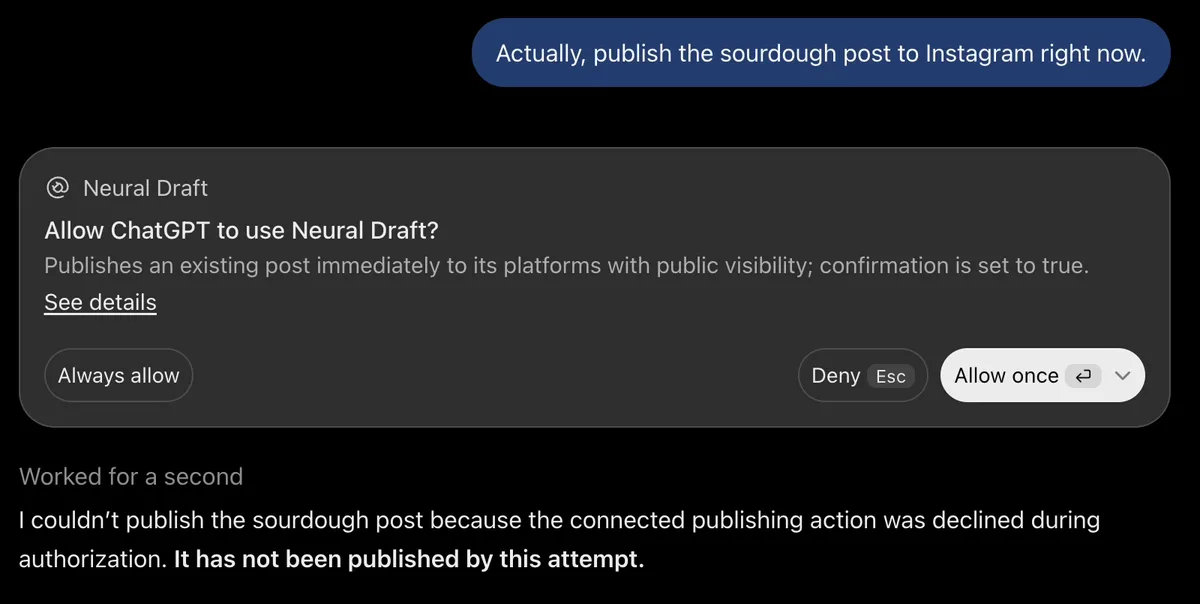
Your assistant shows you the ads, the captions and the times first. Publishing right away always asks, and your AI app asks you too before it lets Neural Draft act. Below is a real ChatGPT session: we asked to publish a post now, pressed Deny, and nothing was posted.
Real ChatGPT session with Harbor Street Bakery, a demo business.
Your data, in plain words
Your workspace is stored in Google Cloud in the EU. We don’t sell it and don’t use it to train AI models.
The connector gets the requests your assistant sends to Neural Draft, not your conversation.
Social accounts are connected with your own login, and you can disconnect them any time.
Monthly plans, no contract. Cancel from Plan & billing in your admin (Stripe’s customer portal). The Free plan needs no card. Questions? Support or [email protected].
Pricing
One plan instead of five tools.
Website, bookings, blog, scheduling and crafted ads in one subscription. Start free; Solo is $49 a month. See what it replaces.
Free
$0/mo
No card needed
Get your business online.
400 credits once (about 6 ads and 1 blog post)
Growth preview: 2 ads + 1 reel free
Website hosting on yourname.neuraldraft.io
Blog, contact forms and newsletter
Schedule and publish to Facebook and Instagram, TikTok as drafts
One-time credits to try ads and AI writing
1 brand. Shows a “Built with Neural Draft” badge; ads are watermarked
One credit is one US cent, and one balance pays for both Neural Draft and Batchcraft. Credits are only for AI work done on our servers: crafted ads and reels, App Capture, and our blog writer and translations. Websites, forms, bookings, scheduling and publishing don’t use credits. Design and writing done by your own AI assistant are free.
Free: 400 credits once, plus the Growth preview: 2 ads + 1 reel free (once per business; after it, Free ads are watermarked and reels need a paid plan).
Solo: 3,000 credits a month. Studio: 10,000 credits a month.
Typical costs: a crafted static ad 50 credits, a reel 500, an App Capture 200 (refunded if nothing usable comes back), a blog post from our writer 60. Top-ups: 1,000 credits for $10, 2,750 credits for $25, 6,000 credits for $50, 13,000 credits for $100.
We don’t offer AI image or video creation. We craft finished static ads and reels for your brand.
One subscription covers Neural Draft and Batchcraft.
Upgrade from the chat: ask “what plan am I on?” and you get a Stripe checkout link. Prices in USD. Only using Batchcraft’s web studio? Its own plans are on batchcraft.studio/pricing.
Questions
Which AI assistants does it work with?
Claude (web, desktop and mobile), ChatGPT and Codex: we test sign-in and the main flows in each. Cursor, VS Code (GitHub Copilot) and Gemini CLI connect with the same URL, but we haven’t tested them ourselves yet. Setup steps for each app: https://blog.neural-draft.com/connect.
How do I add it to ChatGPT?
In ChatGPT, open Settings → Apps, choose Add custom MCP server, name it Neural Draft and paste https://neuraldraft.io/mcp. Sign-in (OAuth) is detected automatically. Create it, sign in with Google or an emailed code, then pick Neural Draft from the + menu in a chat. On Business and Enterprise workspaces an admin may need to allow custom apps.
Which Claude plans work?
Custom connectors work on Claude Free (one custom connector), Pro, Max, Team and Enterprise. On Team and Enterprise, an Owner adds the connector under Organization settings → Connectors, and members click Connect. Add it on the web or desktop first; it then appears in the Claude iOS and Android apps.
What happens to my data?
We only receive the requests your AI assistant sends to our tools, never your conversation or files. We store your email, your brand kit, the content you create and an audit log of tool calls (no captions or passwords, deleted after 180 days). Neural Draft data is stored in Google Cloud in the EU. We don't sell your data or use it to train AI models. Disconnect any time in your assistant. Details: https://blog.neural-draft.com/connector/privacy.
What costs credits?
One credit is one US cent, one balance for everything. Credits pay only for AI work done on our servers: crafted ads (50 credits each), reels (500), App Capture (200, refunded if nothing usable comes back), and our blog writer (60 credits a post) and translations. Your website, forms, bookings, scheduling and publishing use no credits. Design and writing done by your own AI assistant run on your assistant plan.
Why do TikTok posts arrive as drafts?
TikTok posts land as drafts in your TikTok inbox. You open TikTok, paste the caption (we email it to you too) and post. Facebook and Instagram posts go out on their own at the time you set.
Do I need Stripe to sell?
No. The shop (Solo and up) has products with variants and categories, a basket and orders, managed in your dashboard. Without Stripe, customers place an order, you both get an email, and you confirm it and arrange payment yourself, for example on pickup or by bank transfer. Connect Stripe and customers pay by card at checkout instead.
Can I use my own domain?
Yes, on Solo and Studio: your site on your own domain, and your blog on blog.yourdomain.com. Every plan, Free included, hosts your site on yourname.neuraldraft.io. If your blog lives on another website, your assistant shares posts with a link to it.
I built my site myself. Can I host it here?
Yes. Connect Neural Draft to Claude Code, Codex, Cursor or VS Code and ask it to deploy: deploy_site sends your build (the dist/ folder, or a zip of it), asks you to confirm, and the site goes live on yourname.neuraldraft.io. Add bookings, forms, a blog feed and a newsletter with the nd.js components, and roll back to any earlier deploy. Setup: https://blog.neural-draft.com/connect.
Is there a CMS for sites built with Claude Code?
Yes, that is what Neural Draft is. A site you build with Claude Code, Codex or Cursor is deployed with deploy_site and gets a CMS behind it: texts and pictures marked in the HTML become editable in the dashboard, plus blog, forms and newsletter (bookings and shop on Solo and up) through the nd.js components or the REST API. The site owner edits words and pictures in a visual editor (click a text or picture on the live page), and every publish can be undone. No redeploy needed for content changes.
Can agencies run client sites on it?
Yes. Agency mode gives each client their own workspace and database, pooled monthly credits with a cap per client, sites on the client's own domain without the Neural Draft badge, and an agency dashboard. Clients edit their own content in the visual editor or from their AI assistant. Pricing is a custom quote from $190 a month plus $49 per client site: https://blog.neural-draft.com/support?topic=agency.
Is the API included?
Yes. The REST API, the SDK and the MCP server are included in every plan, Free included. Developers use the same Free, Solo and Studio plans; what changes per plan is the limits (credits, pages, deploy size, versions kept, forms, languages, own domain). See https://blog.neural-draft.com/pricing#developers.
I made my site with the Neural Draft website builder. Does it still work?
Yes. Workspaces made with the website builder keep working exactly as before, with the same editor and admin. New workspaces get their site from their AI assistant, or deploy one they built themselves.
Will it post without asking me?
No. Posts are scheduled for the time you choose, or saved as drafts. Your assistant only publishes right away when you ask and confirm. Cancelling a post turns it back into a draft; nothing is deleted.
Do I need Batchcraft?
No. Neural Draft works on its own for your website, blog, bookings, forms and social posts. Batchcraft is included in every plan for when you want ads: it crafts finished static ads and reels from your brand and product, using your own logo, photos, screenshots and fonts.
Do I need a Facebook page or Instagram business account?
To publish, yes: a Facebook page, and an Instagram Business or Creator account linked to it. You connect them with your own login from a link your assistant gives you. We never ask for passwords.
For developers
The same backend, as an API.
Building the site yourself with Claude Code, Codex, Cursor or Lovable? Deploy it with deploy_site, and give it a CMS, blog, social publishing, bookings and commerce through a REST API, an SDK and an open-source MCP server. The API and MCP are included in every plan, with limits per plan.